The Bookshelf
The Bookshelf is your home in Inkweld — a visual library of all your writing projects, displayed as a collection of book covers.
Your Project Library
When you log in, you'll see your projects displayed as book covers on a virtual bookshelf:
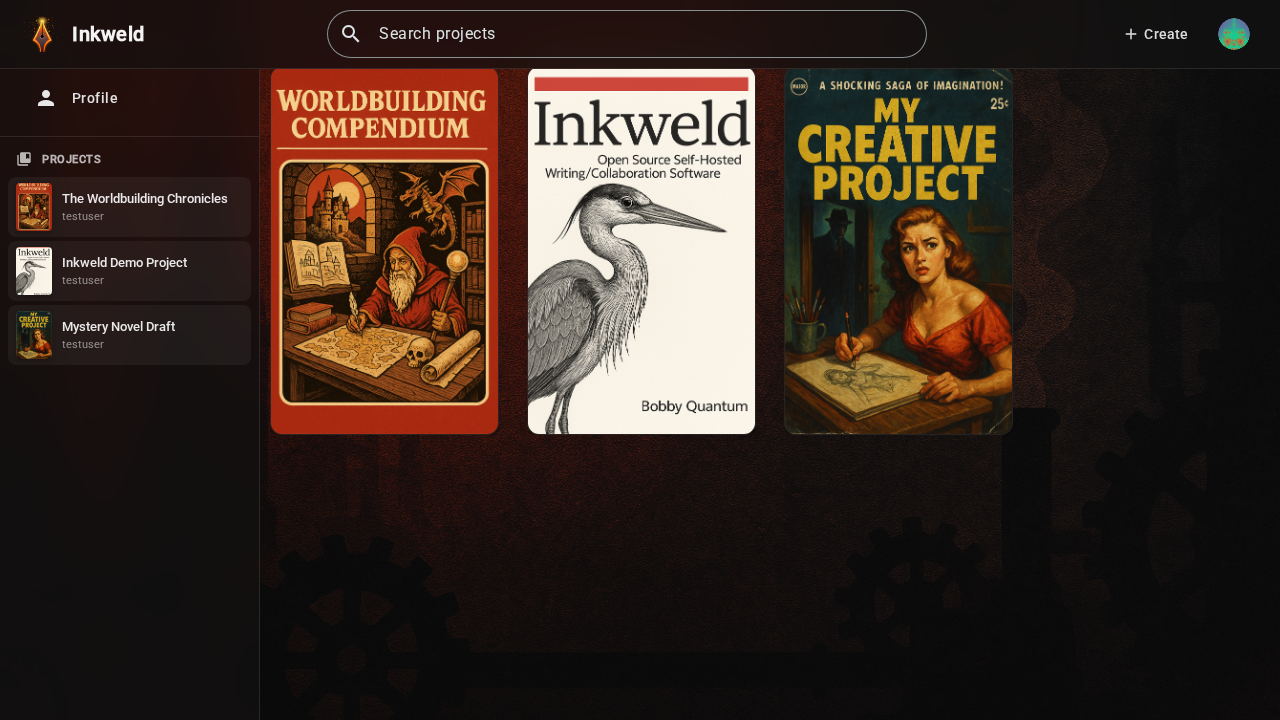
Project Covers
Each project appears as a book cover on the shelf:
- Custom covers — Upload your own cover image for a personalized look
- Generated covers — Projects without a custom cover display a styled placeholder with the project title
Collaboration Indicator
Projects shared with you by other users display a group icon badge, making it easy to distinguish your own projects from collaborative ones. Hover over the badge to see who shared the project with you.
Navigation
Top Bar
The top navigation provides quick access to:
- Search — Find projects by title (click the search icon on mobile)
- + Create — Start a new project
- User Menu — Access your settings, messages, and logout
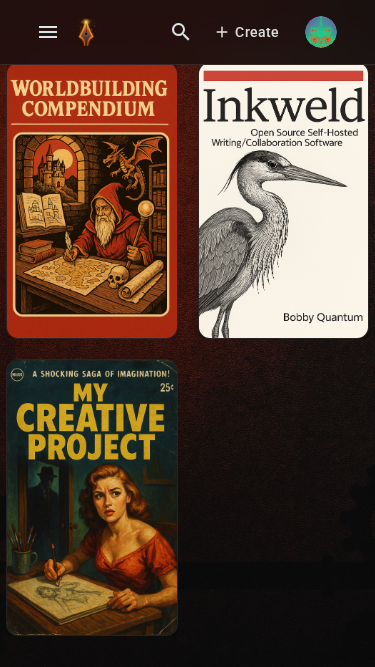
Mobile View
On mobile devices, the bookshelf adapts to a scrollable carousel view:
Opening a Project
Simply click any project cover to open it. You'll be taken directly into the project's editor view where you can start writing.
What's Next?
Ready to start your first project? Head to Creating Your First Project to learn how.